Free · Starter
Free Debt Payoff Tracker Spreadsheet
Start your debt-free plan — free. Enter your debts, pick snowball or avalanche, and this spreadsheet shows your debt-free date, how many months it takes and the interest you’ll pay. Track up to 3 debts on one calm dashboard, in Excel or Google Sheets.
Get it free — $0- Excel + Google Sheets
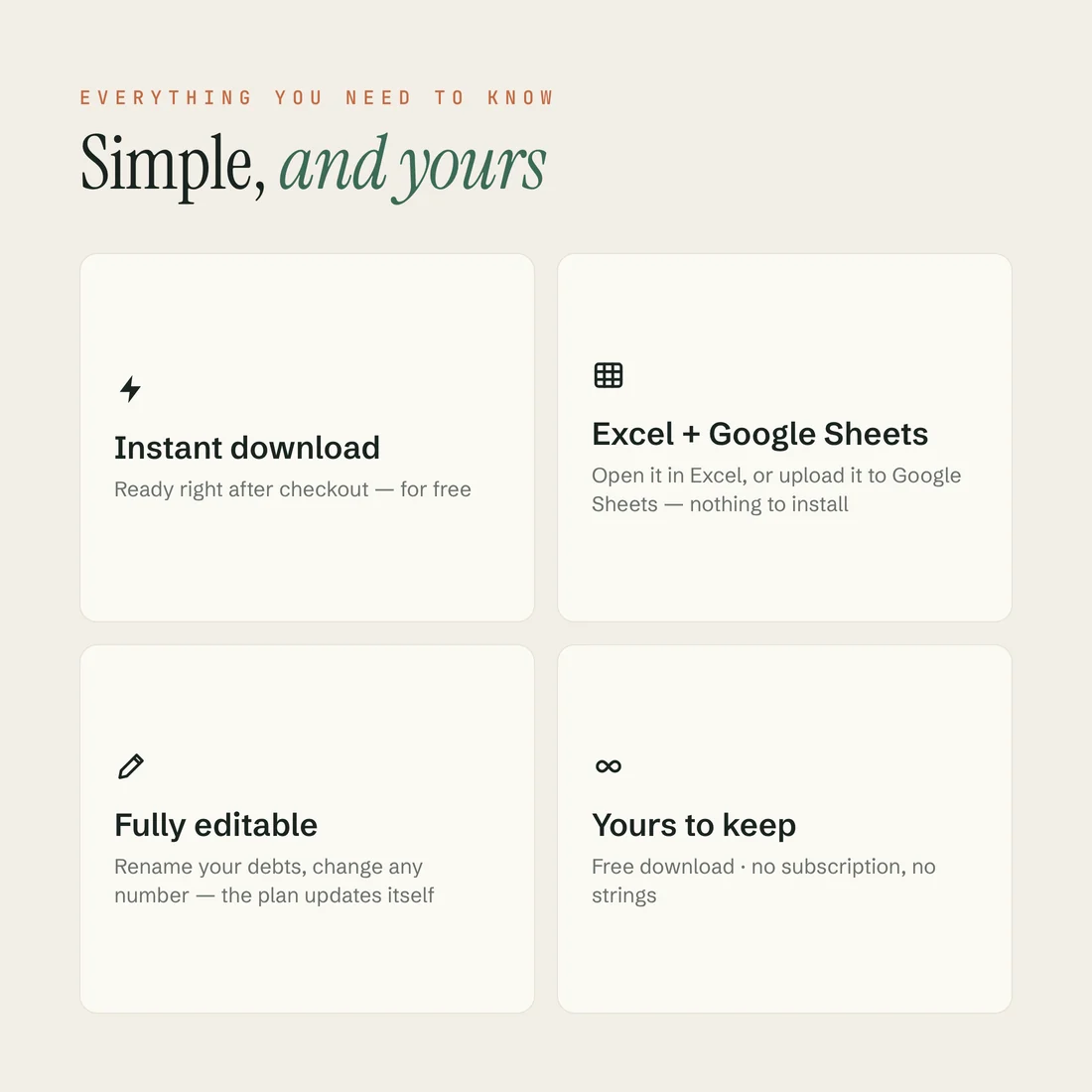
- Instant download
- $0 · free
From the file
- Total debt
- $17,100
- Debt-free
- Mar 2029
- Months to go
- 26
- Debts
- Up to 3
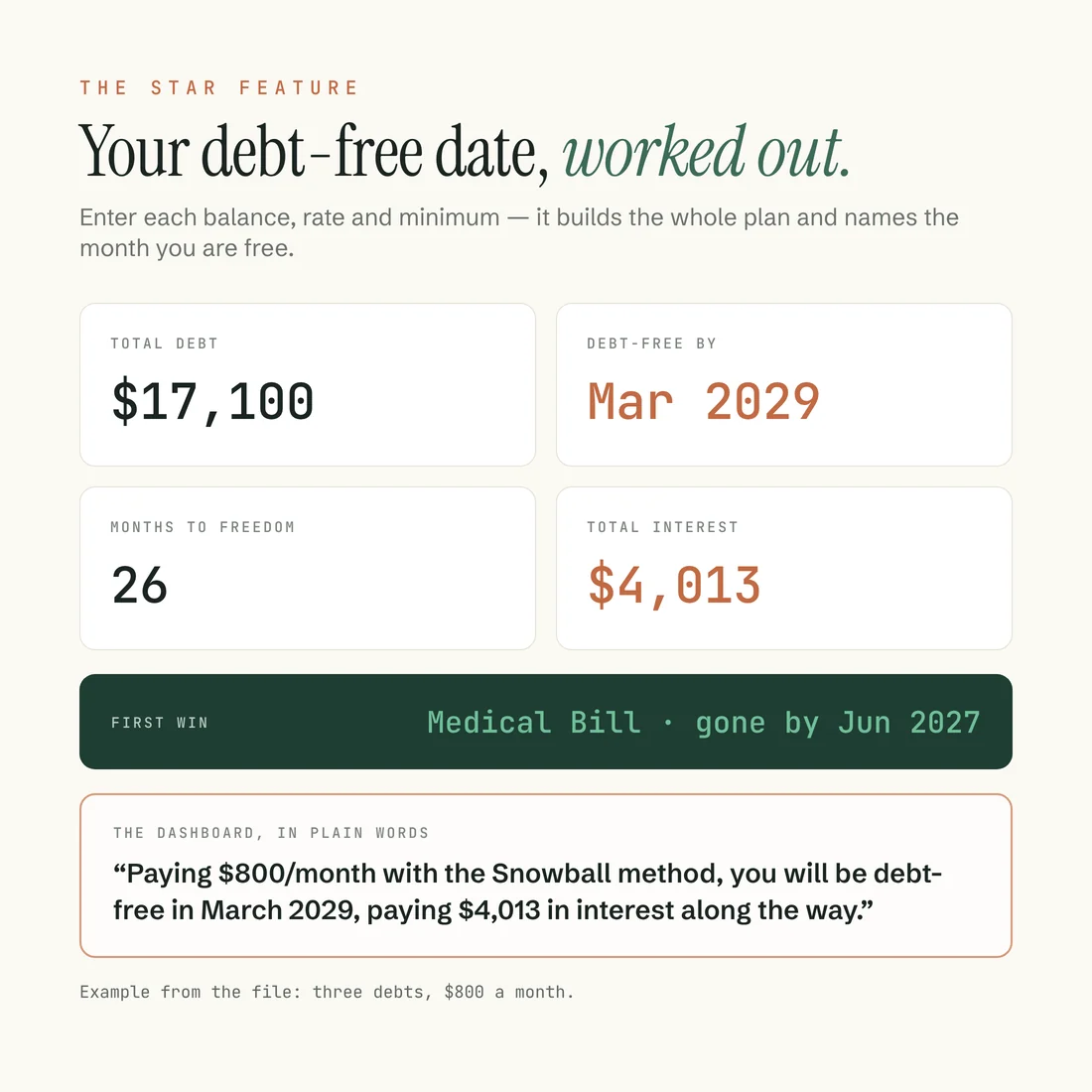
Example figures from the file: 3 debts, $800 a month, snowball method, $4,013 in total interest. First win in the example: the Medical Bill, paid off by Jun 2027.
The star feature
It names your debt-free date.
Enter each balance, its rate and its minimum, and the sheet builds the whole payoff schedule from your first payment to $0 — then tells you the month you get there and the interest you’ll pay along the way. In plain words, not percentages to decode.
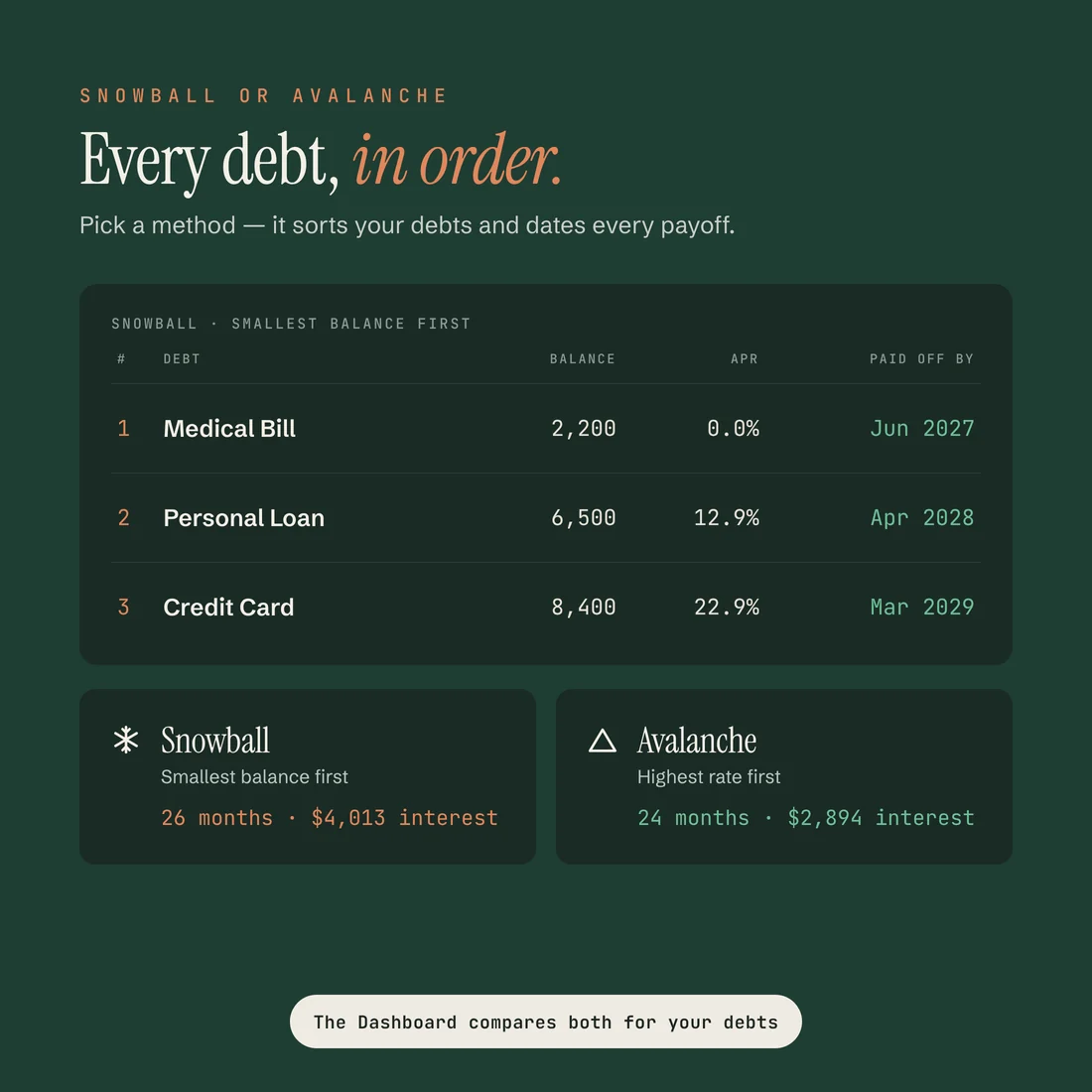
Pick the debt snowball — smallest balance first, for a real win early — or the avalanche — highest interest rate first, to pay the least interest. Every minimum gets paid; whatever’s left rolls onto the debt at the top of your order until it’s gone, then onto the next. The Dashboard runs both methods on your debts and tells you which one saves more.
No formulas to write. Change a balance or your monthly payment and the date moves with it, so you can see exactly what one more push does.
A look inside
What you actually get.
What’s included
Everything in the download.
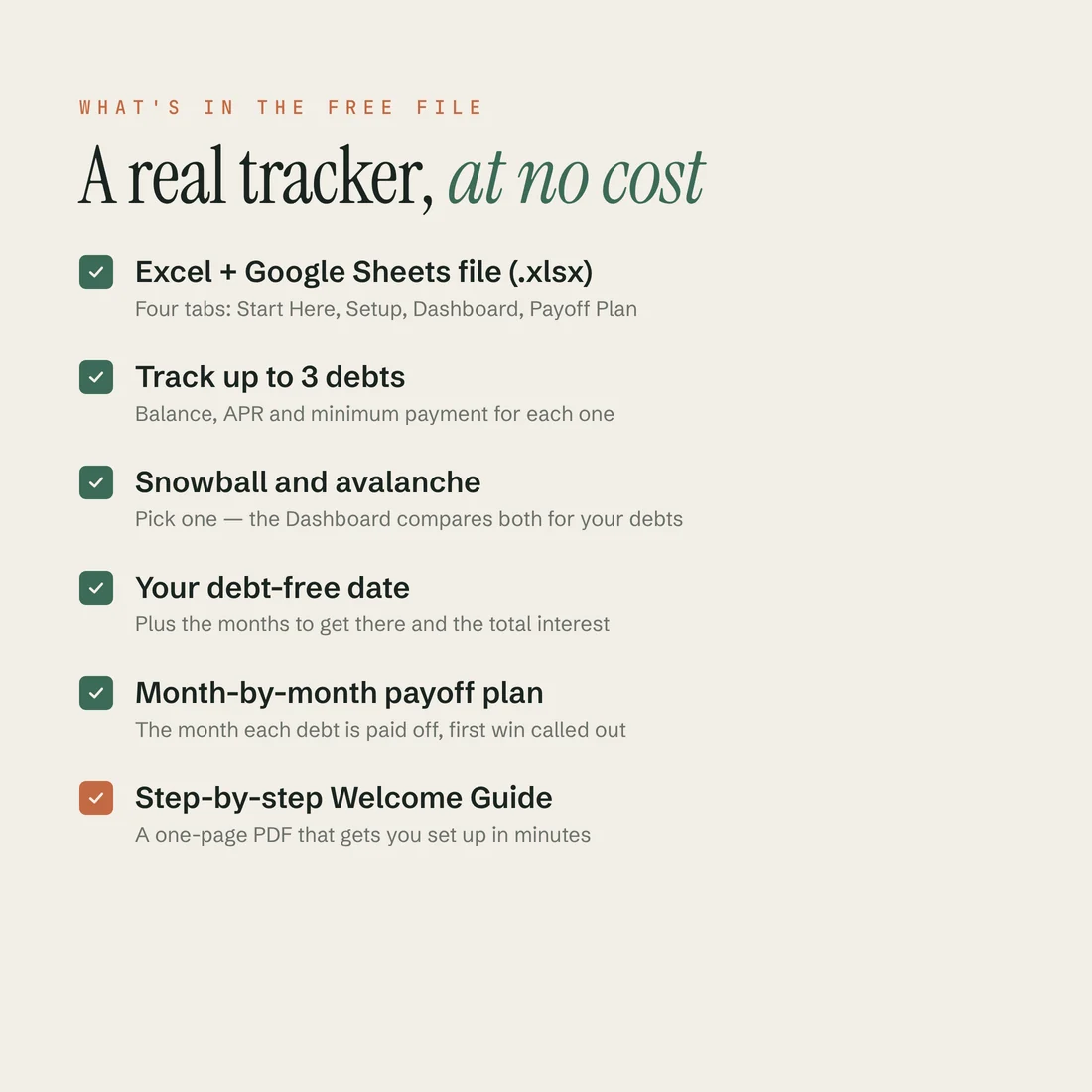
- Free Debt Payoff Tracker (.xlsx) for Excel and Google Sheets — free, no strings
- Track up to 3 debts, each with its balance, rate and minimum
- Your debt-free date and the months to get there, worked out for you
- The total interest you’ll pay on your plan
- Snowball or avalanche — pick one, and see both compared for your debts
- A clear month each debt is paid off, with your first win called out
- Change any number and the plan updates instantly
- Step-by-step Welcome Guide (PDF)
4 tabs
How the file is laid out.
- Start Here
- Setup
- Dashboard
- Payoff Plan
Compatibility
How it works
Four steps, once.
- 01
Enter your email and download it free
Entering your email is just how Payhip delivers a free file. Two files land in your order email and account.
- 02
Open it in Excel or Google Sheets
Open the .xlsx in Excel, or upload it to Google Drive and open it with Google Sheets. Start on the Start Here tab.
- 03
List each debt: balance, rate, minimum
Only the clay-outlined cells. Pick snowball or avalanche and the sheet puts them in order for you.
- 04
Read your debt-free date
The dashboard shows the month you’re free, the months to go and the interest you’ll pay.
When you’re ready for more
Outgrow the starter? The full tracker is waiting.
The free starter is the real thing, just smaller. When 3 debts isn’t enough, the full Debt Payoff Tracker picks up where it leaves off — same calm design, a lot more room.
- Up to 10 debts
- Minimum-only comparison
- Midnight Pine dark mode
Honest limits
What it doesn’t do.
This is the free starter, so it tops out at 3 debts, there’s no minimum-only “what if I just pay minimums” view, and the dashboard comes in light only. Need more debts, the minimum-only comparison or a dark mode? That’s the full tracker.
Questions
Before you download.
Is it really free?
Yes. Enter your email at checkout and download it, no cost. Entering your email is just how Payhip delivers a free file — there’s no newsletter to join.
Do I need Excel?
No. It works in Microsoft Excel — Microsoft 365 or 2019+, on Mac or Windows — and in Google Sheets: upload the .xlsx to Google Drive and open it with Google Sheets.
How many debts can I track?
Up to 3, and you can rename each one.
Snowball or avalanche?
Both. Choose snowball (smallest balance first, for quick wins) or avalanche (highest interest rate first, to pay the least interest) on the Setup tab — the Dashboard runs both on your debts and shows which one saves more. Not sure which? Debt snowball vs. avalanche walks through it.
Can I get more later?
Yes. The full Debt Payoff Tracker adds up to 10 debts, a minimum-only comparison and a Midnight Pine dark mode.
Something else on your mind? Write to sundayledgerbudgets@gmail.com.
Free Debt Payoff Tracker
$0 — free. The spreadsheet for Excel and Google Sheets and a one-page Welcome Guide, in one instant download. Enter your email and it’s yours.
Get it free — $0Read more
Read more first.
Want the background? Debt snowball vs. avalanche explains the two methods and how to choose, so you know what the tracker is doing for you.
Explore the templates