Template 03
Sinking Funds Tracker Spreadsheet
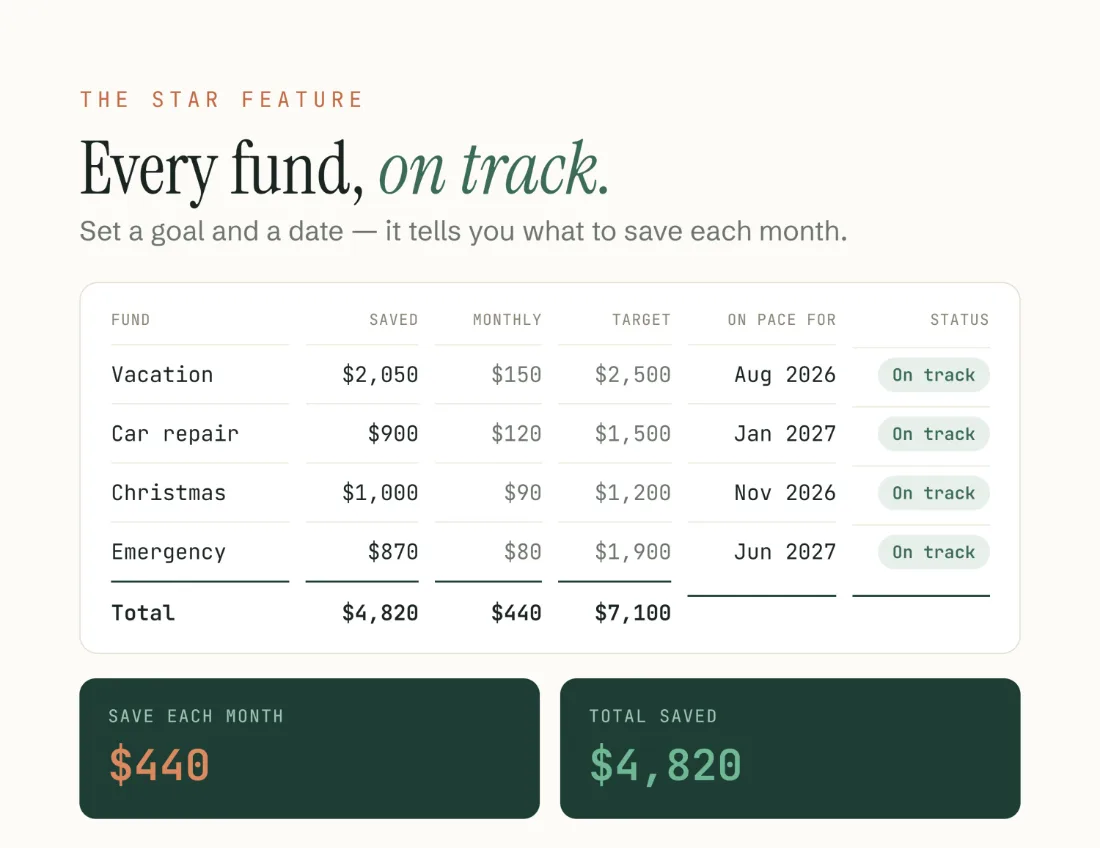
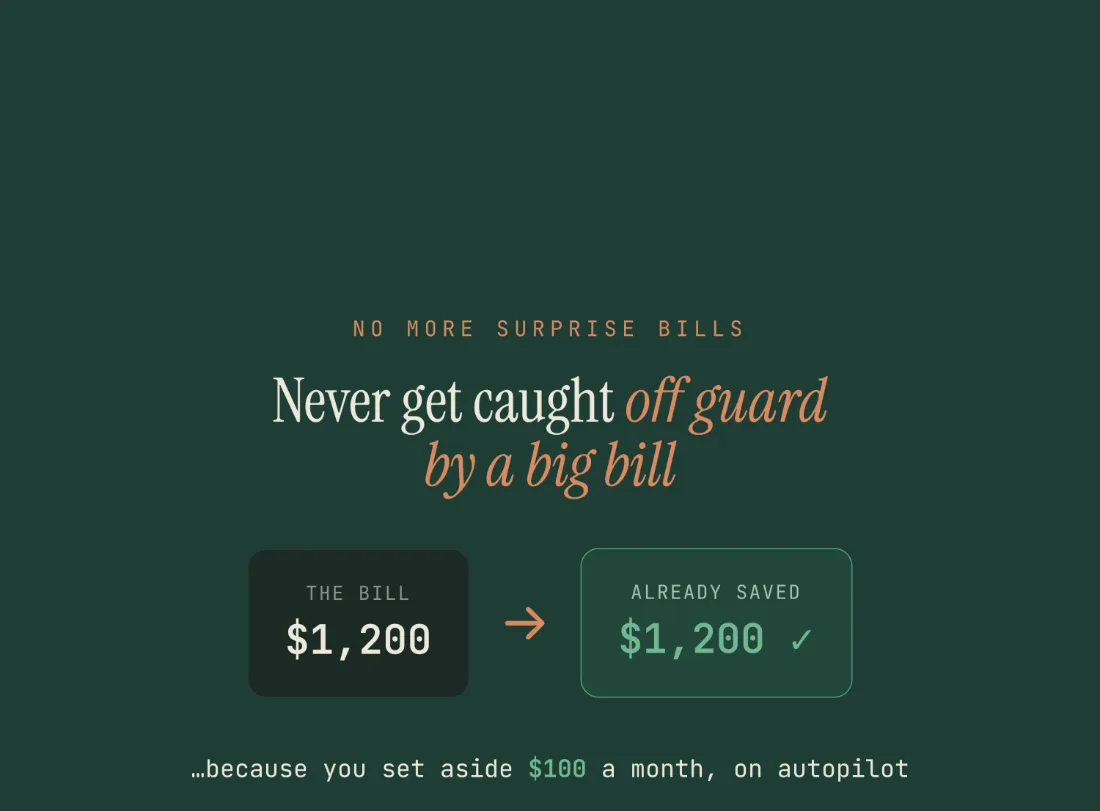
Name each goal — vacation, car repair, Christmas, the emergency fund — set a target and a date, and the spreadsheet tells you exactly how much to set aside each month.
Get the template — $13- Excel + Google Sheets
- Instant download
- $13 · one-time payment
From the file
- Saved so far
- $1,165
- Funds need
- $529/mo
- To spare
- +$21/mo
- Funds
- Up to 15
Example figures from the file. First win in the example: Christmas gifts, funded by Nov 2026.
The star feature
It tells you the monthly number.
Give a fund a target and a date and the sheet works backwards to the amount you need to set aside each month. Then it says where you stand in plain words: On track · Tight · Ongoing · Funded ✓. No guessing, no percentages to interpret.
Funds come in two kinds. Dated funds have a target and a deadline, and the monthly amount is calculated for you. Ongoing funds are a steady amount with no finish line — car maintenance, pet care, the “home repairs” pot — and they’re tracked without pretending they end.
Across all your funds you get one figure: what the whole plan costs per month, and whether your savings actually cover it.
A look inside
What you actually get.

What’s included
Everything in the download.
- Sinking Funds Tracker in Excel (.xlsx) and Google Sheets
- Up to 15 funds, 8 preloaded as a worked example
- Automatic “save this much per month” for every dated goal
- Dated funds and ongoing funds, handled differently and honestly
- Plain-language status on every fund: On track, Tight, Ongoing, Funded ✓
- A total-saved dashboard across all your funds, with your first win called out
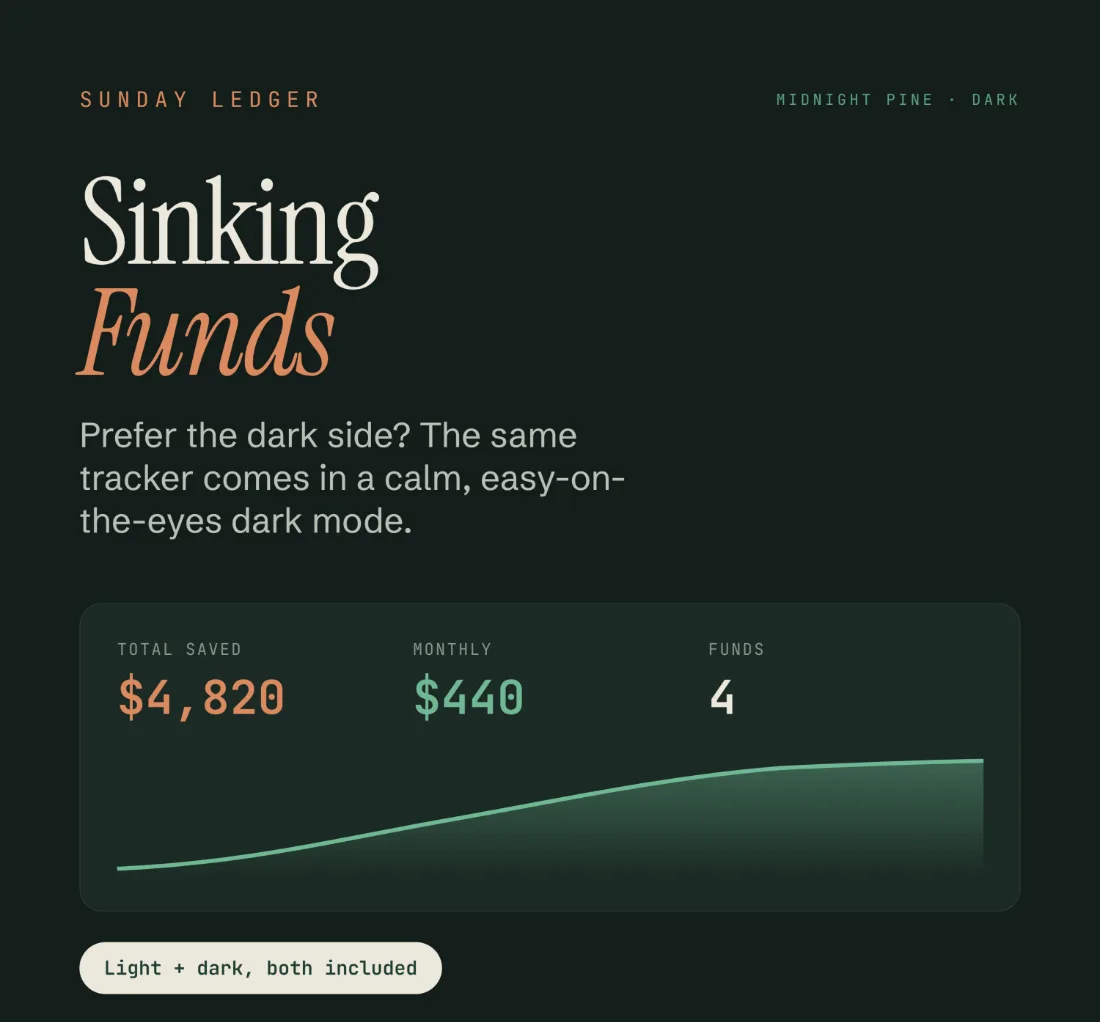
- Light and “Midnight Pine” dark version, both in the file
- Step-by-step Welcome Guide (PDF)
6 tabs
How the file is laid out.
- Start Here
- Setup
- Dashboard
- Dashboard (Dark)
- Fund Planner
- Tracker
Compatibility
How it works
Four steps, once.
- 01
Download instantly
Two files land in your order email and your Payhip account.
- 02
Open in Excel, or make a copy
Open the .xlsx, or tap File ▸ Make a copy for Google Sheets.
- 03
Name each fund, set a target and a date
Only the clay-outlined cells. Or mark it ongoing and skip the date.
- 04
Read the monthly number
The tracker shows what to set aside each month, and how each fund is doing.
Honest limits
What it doesn’t do.
Funds with no target date get no math. You set the monthly amount for those yourself and the file tracks it, while the dated goals get their monthly amount worked out for you. Fifteen funds is the ceiling, and eight come preloaded as an example.
Questions
Before you buy.
How many funds can I track?
Up to 15, and you can rename every one. Eight come preloaded as an example — type over them.
What if a fund has no end date?
Mark it ongoing. It keeps a steady monthly amount and is tracked without a deadline.
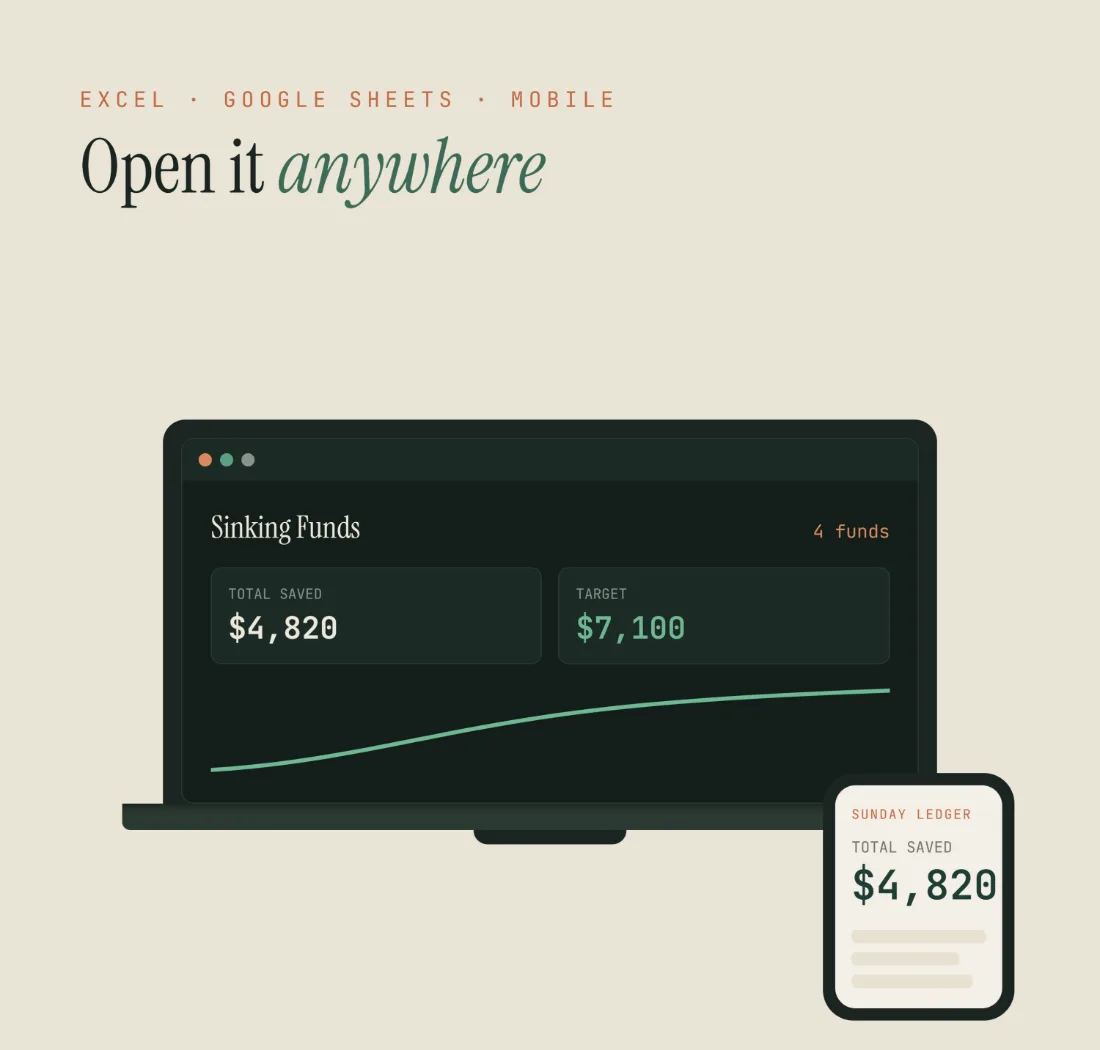
Do I need Excel?
No. The Google Sheets version is free — a Google account is enough.
Can I edit it?
Yes, fully. Rename funds, change targets and dates, change the currency.
Will it work on my phone?
Yes, in the Google Sheets or Excel mobile app.
Is it a one-time payment?
Yes. Buy once, keep forever.
Something else on your mind? Write to sundayledgerbudgets@gmail.com.
Sinking Funds Tracker
$13 — one payment. Excel and Google Sheets, light and Midnight Pine, in one instant download — the spreadsheet and your Welcome Guide.
Get the template — $13Read more
The guides behind it.
New to the idea? How sinking funds work walks through the method, and sinking fund categories helps you decide what to save for.
Explore the other templates