Template 02
Paycheck Budget Spreadsheet
Enter your pay and your bills once, and every check is sorted into bills, spending and savings — so you always know exactly what’s safe to spend today, not at the end of the month.
Get the template — $13- Excel + Google Sheets
- Instant download
- $13 · one-time payment
From the file
- Income
- $4,300
- Bills
- $1,871
- Set aside to save
- $400
- Safe to spend
- $1,089
Example figures from the file. The Tracker also flags where you stand — “AHEAD — $249 under plan”.
The star feature
Budget by your paycheck, not a generic month.
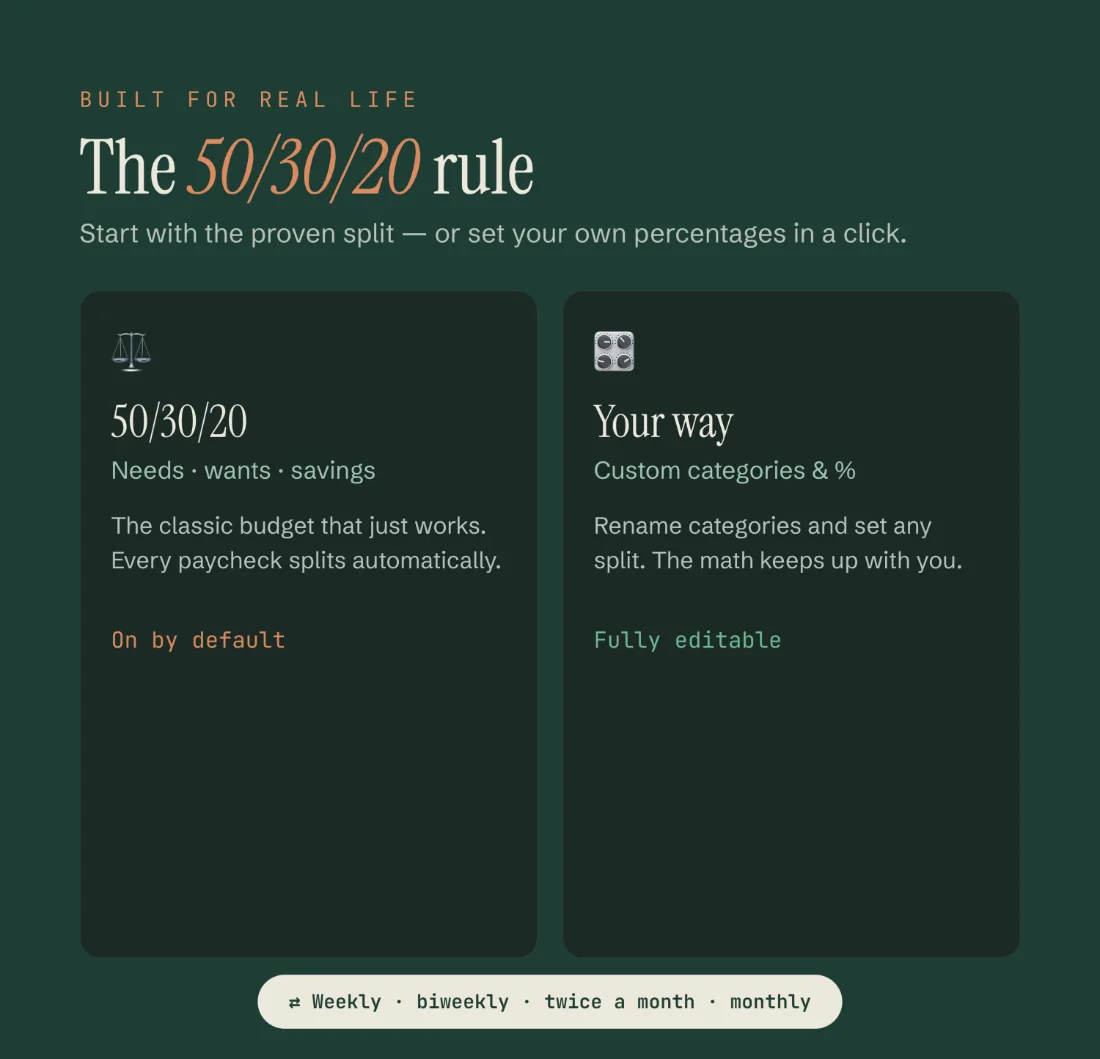
Four pay frequencies, all built in: weekly · every 2 weeks · twice a month · monthly. If you are one of the many people paid on the 1st and the 15th, this handles “twice a month” properly — which most budget templates get wrong, because twice a month is not the same as every two weeks.
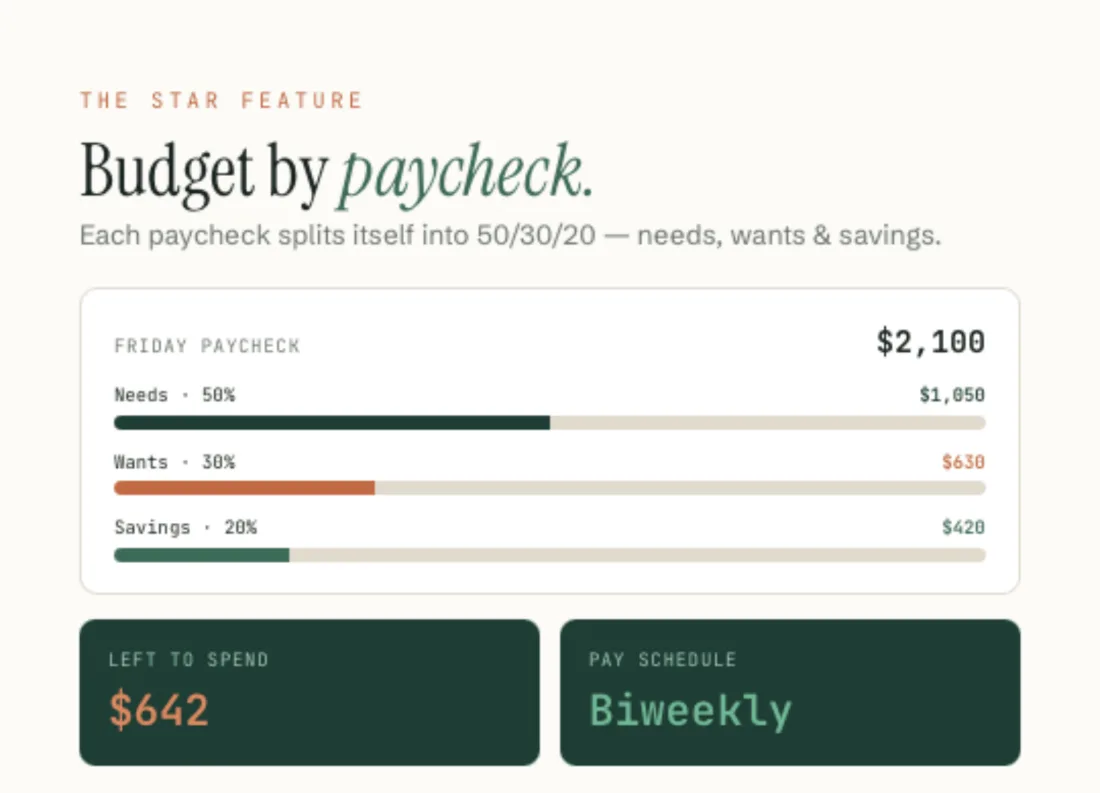
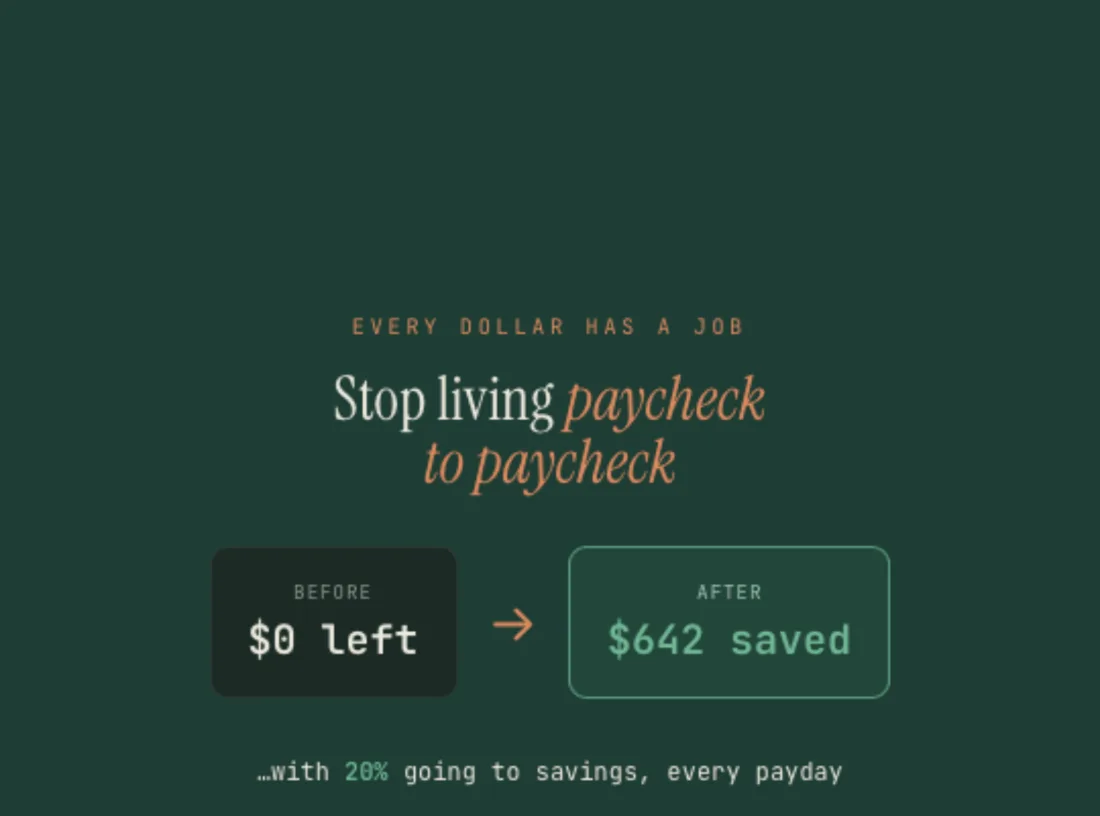
Each check is laid out on its own, and the sheet measures your real needs / wants / savings split against the classic 50/30/20 guide — then shows what is genuinely safe to spend once bills and savings are out.
If a tight check would leave you short, the sheet shows it in the negative rather than quietly rounding it away. That detection is deliberate — it’s better to see it three days early than on payday.
A look inside
What you actually get.
What’s included
Everything in the download.
- Paycheck Budget in Excel (.xlsx) and Google Sheets
- Budget by paycheck — weekly, every 2 weeks, twice a month or monthly
- Your real needs / wants / savings split, measured against the 50/30/20 guide
- A live “not yet assigned” figure, so you always know what is still free
- Safe-to-spend for the current check, and a plan for the next ones
- Bill tracker and editable spending categories
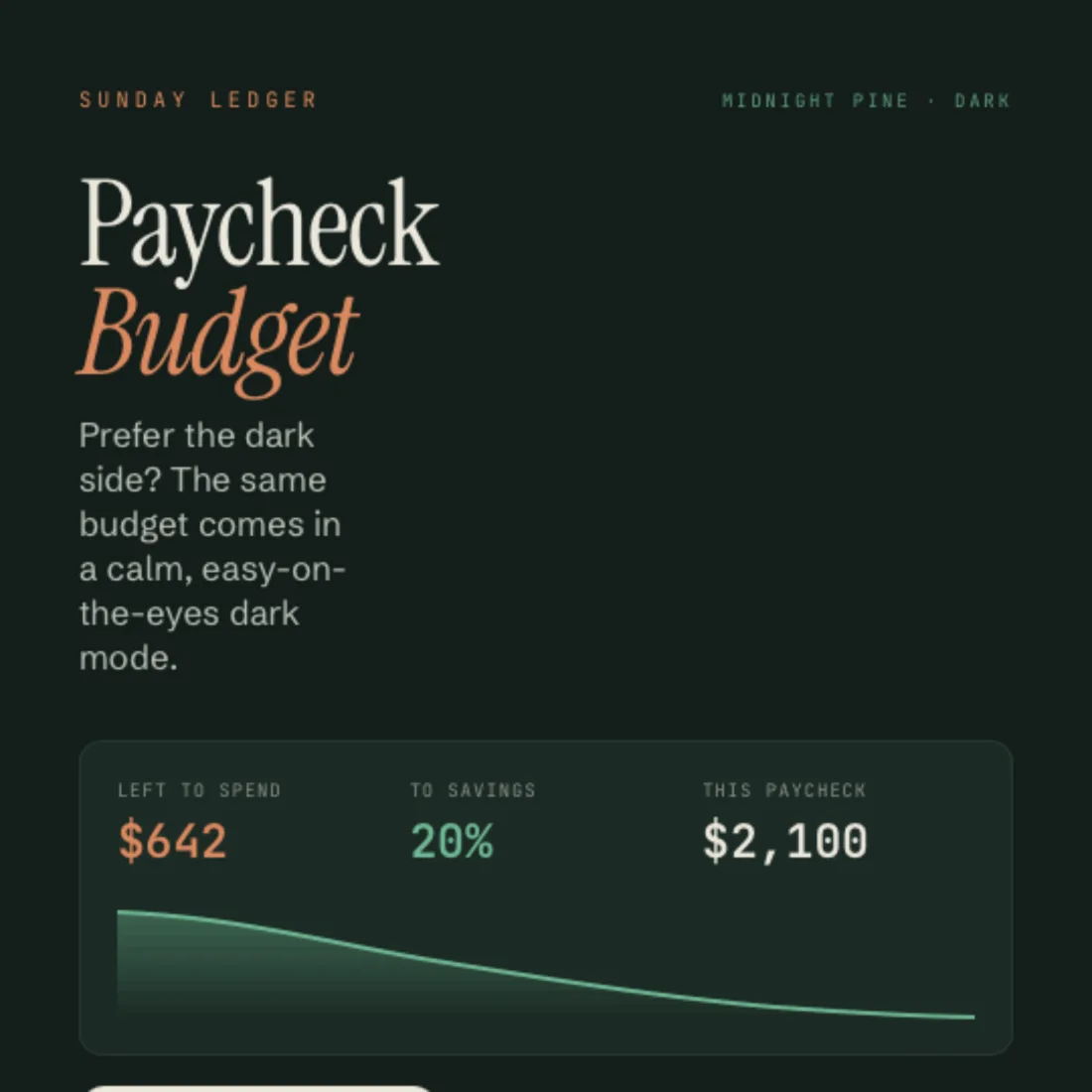
- Light and “Midnight Pine” dark version, both in the file
- Step-by-step Welcome Guide (PDF)
6 tabs
How the file is laid out.
- Start Here
- Setup
- Dashboard
- Dashboard (Dark)
- Paycheck Plan
- Tracker
Compatibility
How it works
Four steps, once.
- 01
Download instantly
Two files land in your order email and your Payhip account.
- 02
Open in Excel, or make a copy
Open the .xlsx, or tap File ▸ Make a copy for Google Sheets.
- 03
Type your paychecks and bills
Only the clay-outlined cells. The categories are yours to rename.
- 04
Watch each check get sorted
Bills, spending, savings — and what is safe to spend right now.
Honest limits
What it doesn’t do.
It does not zero out your money, and that is deliberate. The example leaves $1,089 sitting in “Not yet assigned”, because that is what is actually free. It does not split your check 50/30/20 either: it shows your real split next to that guide so you can see the gap.
Questions
Before you buy.
Does it work if I’m paid biweekly or twice a month?
Yes. Weekly, every 2 weeks, twice a month (the 1st and 15th), and monthly are all supported — and twice a month is handled as its own case, not faked with biweekly.
Do I need Excel?
No. The Google Sheets version is free — a Google account is enough.
Can I rename the categories?
Yes. Rename any category, add your own, change the currency symbol.
What if a paycheck comes out negative?
That’s intentional. A tight check shows as short rather than being hidden, so you can move something before payday.
Will it work on my phone?
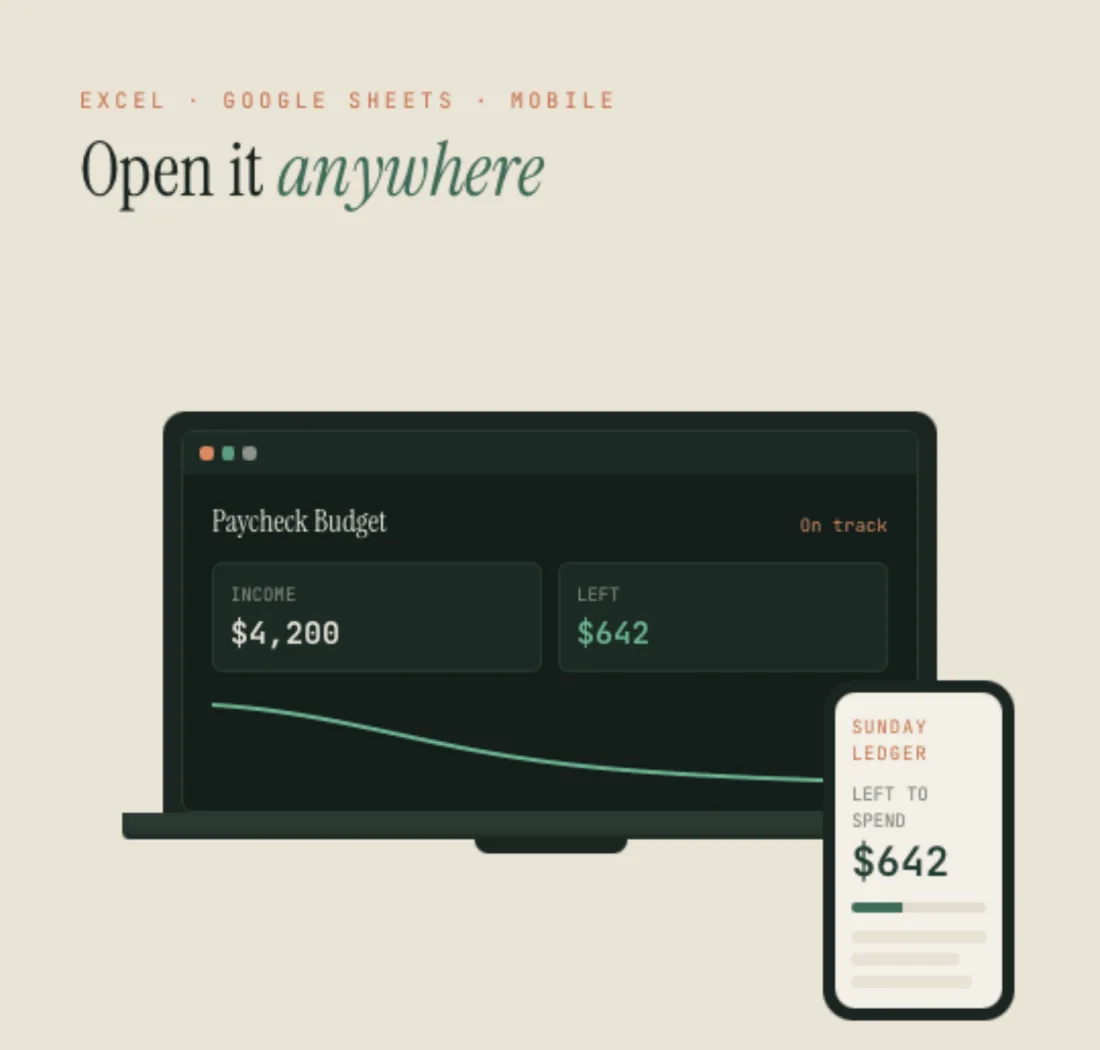
Yes, in the Google Sheets or Excel mobile app.
Is it a one-time payment?
Yes. Buy once, keep forever.
Something else on your mind? Write to sundayledgerbudgets@gmail.com.
Paycheck Budget
$13 — one payment. Excel and Google Sheets, light and Midnight Pine, in one instant download — the spreadsheet and your Welcome Guide.
Get the template — $13Read more
The guide behind it.
How to budget by paycheck — the method this spreadsheet is built around, step by step.
Explore the other templates